
1. Open Start Menu and Type in Printers & Scanners
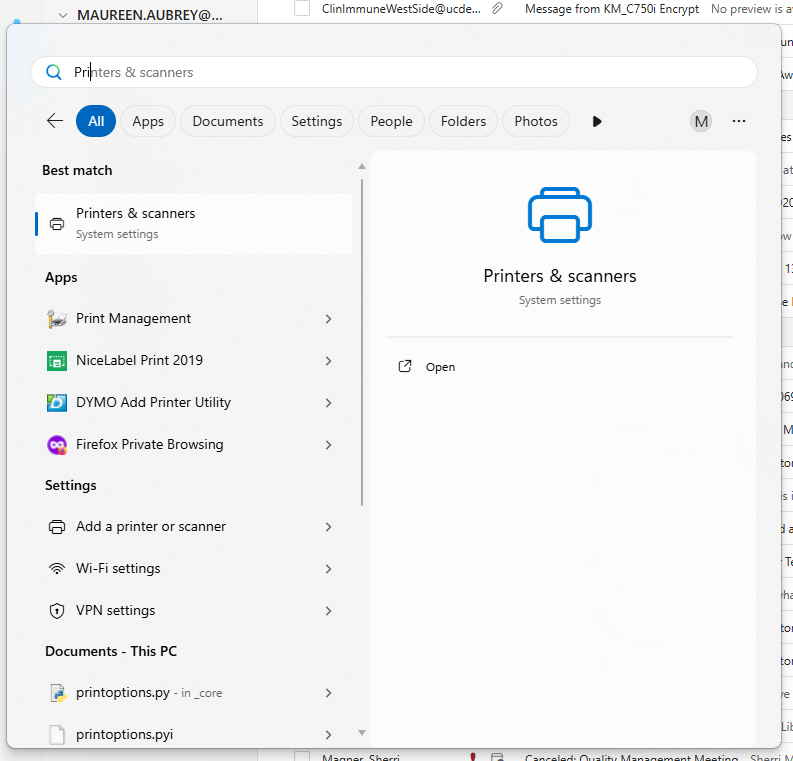
2. Click the Printer & Scanners Option and it will open all the printers you have available for the users account.
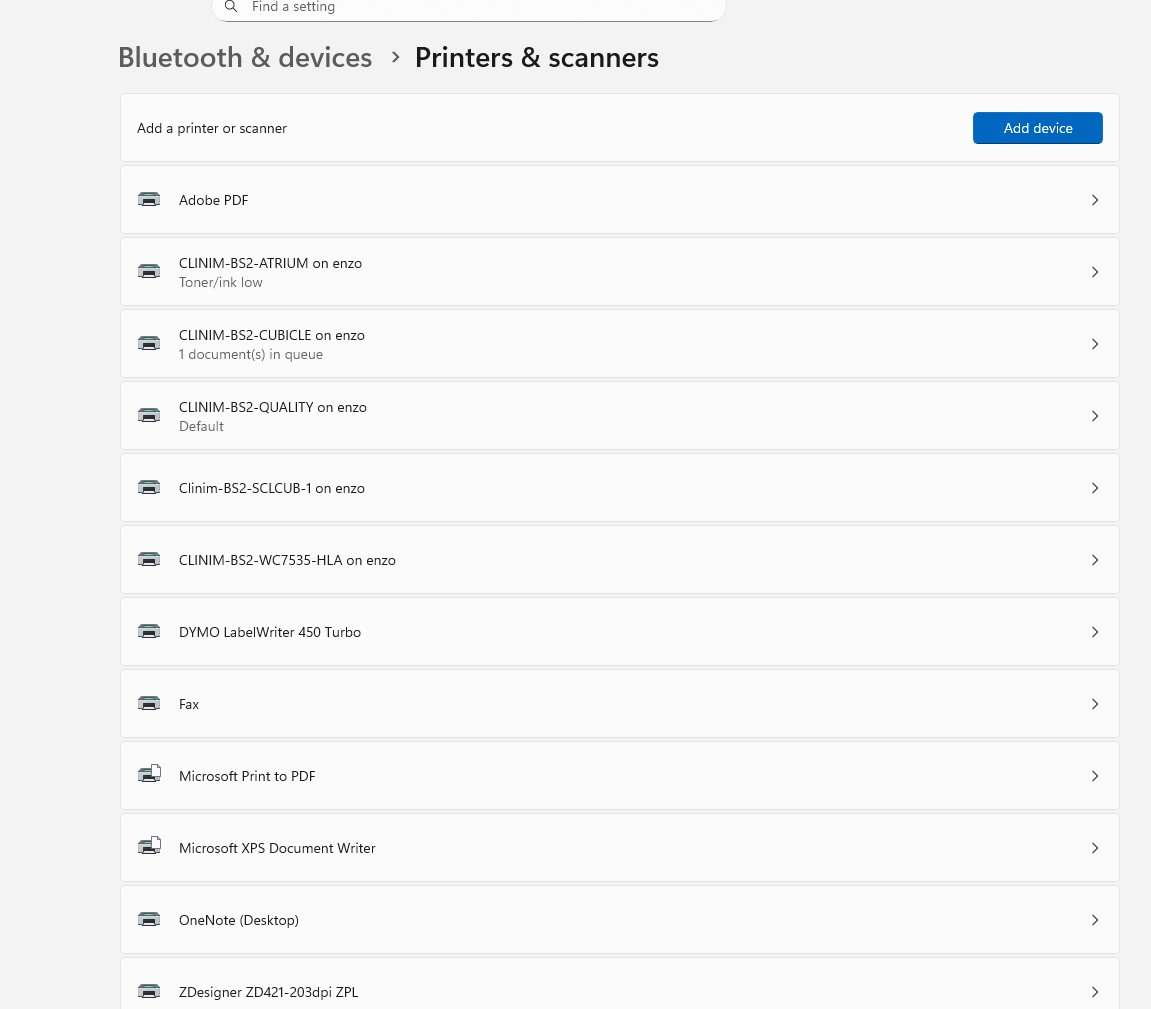
3.Click Add Device button, a list of printers will appear.
4.Scroll down till you get till option "Add a new device manually"
5. Type \\enzo\clin to see a list of all the printers and click the one you want
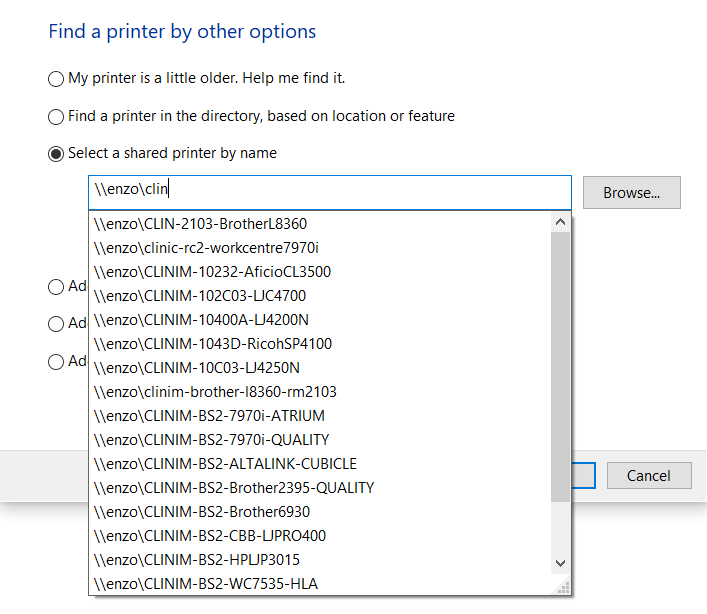
6. The Printer names that used are:
- CLINIM-BS2-Atirum
- CLINIM-BS2-CUBICLE
- CLINIM-BS2-QUALITY
- CLINIM-BS2-WC7535-HLA
- CLINIM-BS2-Brother2395-QUALITY
- CLIN-BS2-STEM-CUBICLE-HP
- bs-clinim-hemalab
-CLINIM-BS2-HPLJP3015